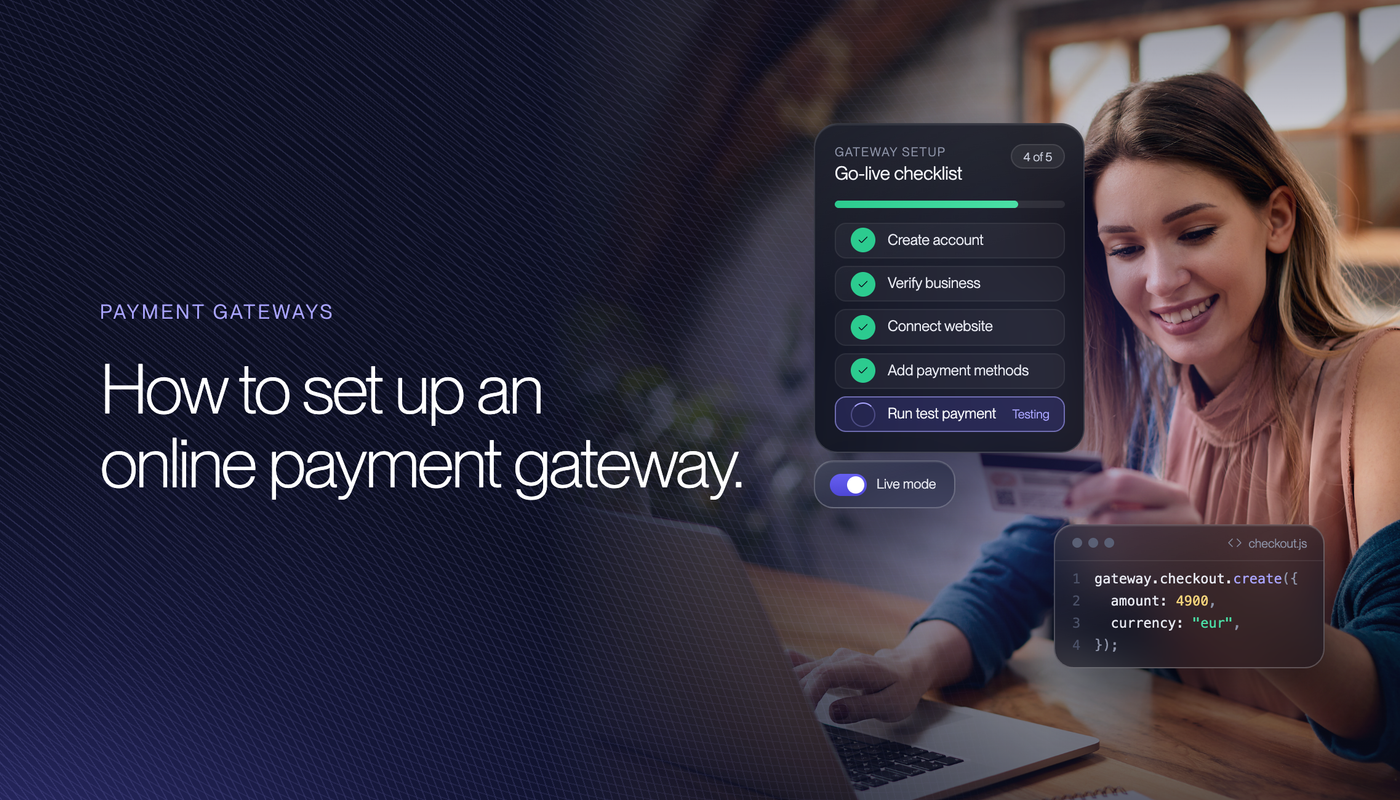
A declined gateway application does not cost you three weeks. If the acquirer terminates rather than simply refuses, your business goes on the MATCH list, and a MATCH listing lasts five years. Nobody tells you it happened. You find out when the next provider says no.
That is the part missing from every online payment gateway setup guide. The technical work is a day, the pricing decision is an afternoon, and the application is where the whole thing actually lives or dies. Providers approve on documents and on what your website says, not on how good your product is.
This guide walks the setup as a project: what to have ready before you apply, the document pack underwriters ask for, the website checks card schemes enforce, how to integrate, and what changes once you are live. If you want the mechanics of how a payment reaches you, read what a payment gateway is and how it works. If you are still choosing a provider, the guide to the best payment gateways compares the pricing models.
Get Your Payment Gateway Live in Days
Binderr prepares the application, answers the underwriter and arranges the banking alongside it, so the gateway goes live instead of sitting in review.
- Live in 2 to 3 business days: on the European providers, 7 to 10 on cross-border.
- The document pack built once: and reused for the bank and the gateway.
- Website checked before you apply: against what the card schemes actually require.
- Sector screened first: so you apply to a provider that underwrites your category.
- Pricing agreed upfront: no sales call needed to see the fee model.
What an Online Payment Gateway Setup Involves
Setting up an online payment gateway is not one approval. It is three, usually presented to you as a single application form, and the one that fails is rarely the one people worry about. Online payment gateways are sold as a single product and underwritten as three.
The Three Approvals Behind One Application
The gateway is the technical layer of the online payment gateway that captures the card and routes the authorisation. The acquirer is the licensed institution that holds your Visa and Mastercard relationship. The merchant account is where settled funds sit before they reach your bank. Some providers supply all three, which is why you fill in one form, but the underwriting on each is separate.
Technical checks almost never fail. Acquirer underwriting is where applications die, because that is where somebody reads your website, your ownership structure and your processing history and decides whether your business is worth the risk of the chargebacks it might generate. Plan the setup around that step and the rest is administration.
How Long Online Payment Gateway Setup Takes
Two to three business days on the European providers once the file is complete, and 7 to 10 for cross-border and multi-currency setups. Roughly 85% of straightforward applications clear automated checks quickly, manual review on a higher-risk category runs 24 to 72 hours, and a complex multi-entity group can take five business days.
Those are provider timelines and they are not your timeline. The gap between applying and trading is almost always your own document gathering and website fixes, which is why the next two sections come before the step list rather than after it.
What You Need Before You Apply
Assemble this first. Every online payment gateway application asks for the same core file, and applying with gaps and filling them in as the underwriter asks turns a three-day approval into a three-week conversation. Every round trip makes the file look worse than it is.
The Company and the Bank Account
Every payment gateway underwrites a registered legal entity, not an individual. You need the certificate of incorporation, the ownership structure documented up to the beneficial owners, identification for each of them, and a business bank account in the company's name for settlement. There is no way to take card payments into a personal account.
If the company is not formed yet, run the incorporation, the bank account and the gateway application together rather than in sequence. Doing them one after another adds weeks for no reason, and the same verified document pack serves all three. Our guides on setting up a company and registering a company online cover the first step.
Website Requirements Card Schemes Enforce
This is the most common reason a clean business gets held up on an online payment gateway application, and almost nobody checks it before applying. Visa and Mastercard set rules about what an ecommerce site must display, and the acquirer is the one policed on your behalf, so they check before they approve.
- Legal or trading name: in the header or footer of every page, matching the name on your application and on the customer's statement.
- The statement descriptor: shown at checkout, so the customer knows what the charge will look like on their bank statement.
- Refund and return policy: in full on the checkout page or behind a required checkbox. A link in the footer no longer satisfies the rule.
- A real address and contact: street address plus a phone number or email, on the checkout page, with the country of establishment stated.
- Price and currency: the total and the currency code beside every add to cart button, not just at the final step.
- Card brand logos: displayed, and a valid TLS certificate with modern configuration.
Subscriptions carry extra rules. The price and the billing frequency must appear directly above the pay button, the customer must actively tick to consent, and the confirmation email needs a one-click cancellation route. Free or low-value trials require a reminder before the first full charge. Miss these and you are not just declined, you are generating the disputes that get an account closed later.
Your Product and Sector Description
Write a plain description of what you sell, to whom, at what average order value, and how the product is delivered. Underwriters are pricing the chargeback risk of your specific model, and vague answers read as evasive. A physical product shipped in three days and a twelve-month prepaid programme carry completely different risk, and saying so plainly helps you.
Declare anything that touches a restricted category rather than hoping the payment gateway will not notice. Undisclosed high-risk products found during review is a decline reason in its own right, and it is worse than the category would have been if you had led with it.
Check the Application Before You Submit It
Most gateway applications stall on documents and website copy, not on the business. Binderr checks both before anything is submitted.
- Website reviewed: against the card scheme display rules that acquirers enforce.
- Ownership mapped: to the beneficial owners, in the format underwriters expect.
- Sector declared correctly: so nothing surfaces during review that should have been upfront.
- One submission, not three: a prepared file rather than a series of follow-up requests.
How to Set Up an Online Payment Gateway
Seven steps to set up an online payment gateway, in the order that avoids rework. Steps one to three are yours, four and five are the provider's, and six and seven are your developer's.
- Confirm your sector is accepted. Read the provider's exclusion list against your actual catalogue before anything else. A decline is recorded and the next underwriter can see it.
- Get the entity and the settlement account in place. Certificate of incorporation, ownership up to the beneficial owners, identification, and a business bank account in the company's name.
- Fix the website against the scheme rules. Refund policy on the checkout page, address and contact details, descriptor, pricing and currency, valid certificate. Half an hour of work that saves a week.
- Submit the application with the full pack. Incorporation documents, ownership, identification, bank statements, processing history if you have it, and the plain description of what you sell.
- Answer the underwriter quickly. Questions are normal and are not a bad sign. Slow answers are, because a file that goes quiet gets deprioritised behind files that are moving.
- Integrate in the sandbox. Build against test credentials while underwriting runs, so approval and go-live are the same week rather than a month apart.
- Test live, then switch on. Run real low-value transactions through the production keys, check the descriptor on a real statement, confirm a refund works, then open the checkout.
Steps three and four are where the time goes. Everything else is predictable.
Online Payment Gateway Application Documents
Every online payment gateway underwriter is answering one question: if this business fails or misbehaves, who eats the chargebacks. Each document on the list exists to answer part of it.
The Document Pack Underwriters Ask For
- Certificate of incorporation: and the company's registered details.
- Ownership structure: traced to the beneficial owners, with identification for each. Two forms of government identification is the usual standard.
- Business bank statements: typically the last three months, to show real cash flow.
- Processing history: three to six months of statements if you have processed before. Volume, average transaction value and chargeback ratio matter more than the provider you were with.
- Website evidence: a live URL with refund policy, privacy policy and terms visible.
- A description of the business: what you sell, to whom, delivery model and average order value.
If you have processed before and the history is good, lead with it. A clean 0.3% chargeback ratio across six months does more for your application than anything else in the file, and it is the single strongest argument against a rolling reserve.
What Stalls an Online Payment Gateway Application
The recurring causes are consistent across providers and none of them are about your revenue.
- A chargeback ratio above 1%: the line at which schemes start monitoring a merchant.
- A MATCH listing: explained below, and the one that is hardest to argue with.
- Missing or unclear refund terms: on the site, which reads as a future dispute problem.
- Undisclosed restricted products: found during review rather than declared upfront.
- An incomplete file: each follow-up round adds days and weakens the impression.
- A mismatch between site and application: different trading name, different country, different products than the form says.
What a Payment Gateway Decline Actually Costs
A refusal is a delay. A termination is different. When an acquirer terminates a merchant for cause it submits the business to MATCH, Mastercard's shared database of terminated merchants, under one of 14 reason codes. The listing lasts five years and there is no formal notification, so most merchants learn about it from the next rejection.
Removal is possible only in narrow cases: an administrative error, identity theft, or a listing for card data security failure once compliance is demonstrated. Otherwise it runs the full five years. Most acquirers decline a MATCH-listed applicant outright, and the ones who do not price the risk in with higher rates and a reserve.
That asymmetry is the whole argument for preparing properly. The downside of a careless application is not a slower launch, it is a category change in what your business can access for the next five years. If it has already happened, the high risk merchant account guide covers the route that stays open.
One Application, Prepared Properly
A refusal costs weeks. A termination costs five years on MATCH. Binderr prepares the file so the application goes in once and goes in complete.
- Ownership mapped correctly: to the beneficial owners, in the format underwriters expect.
- Processing history presented: so a clean ratio argues your case instead of sitting in a PDF.
- Underwriter questions handled: the stage where most applications go quiet and stall.
- Reserve terms explained upfront: including what the six-month review looks like.
- Already declined elsewhere: we tell you which route is still open before you apply again.
Best Online Payment Gateway Options Compared
Three online payment gateways, and the right one depends on your card mix, your sector and whether money crosses a border. Two can be started from this page.
Paypercut: EEA Volume and No Fixed Costs

EEA consumer Visa and Mastercard at 1.29% plus EUR 0.10, everything else at 2.69% plus EUR 0.10, and no activation, monthly, subscription or maintenance fee. Cards, wallets, buy now pay later, payment links and local methods through one integration, with multi-currency settlement.
The absence of fixed costs is what matters during setup. If your volume forecast turns out wrong, being on the flat rate costs you nothing to correct. Sector exclusions are adult entertainment, cannabis, chemicals and material processing, cryptocurrency and blockchain, and defence and arms, so check the list against your catalogue before applying.
Emerchantpay: Volume, Multi-Market and High Risk

Interchange++ at a 0.8% markup plus GBP 0.13, with GBP 100 a month and GBP 500 setup, GBP 0.35 per refund and GBP 23 per chargeback. An Electronic Money Institution acting as both gateway and acquirer across the UK, Malta, Spain, Ireland, Estonia, Germany and Cyprus.
It becomes the cheaper option above roughly GBP 70,000 a month on an EEA consumer mix, and it is the route for sectors a mainstream acquirer declines. If your category is one of those, start with the high risk payment gateway guide rather than applying and finding out.
IFX Payments: Cross-Border and Multi-Currency
A UK Electronic Money Institution with multi-currency accounts, mass payments and FX alongside online payment processing. The gateway itself is listed as free, with card processing rates agreed directly rather than published, and setup runs 7 to 10 business days. Choose it when the conversion margin costs you more than the card rate. Details are on the IFX Payments gateway page.
How to Read a List of Online Payment Gateways
Search for the best online payment gateways 2026 and you get the same affiliate roundups, sorted either by headline rate, which is one card category out of at least four, or by feature count, where every provider scores the same. Neither predicts what you will pay or whether you will be approved. Rankings of the top online payment gateways almost never mention underwriting at all.
Read any list of online payment gateways in this order instead: does it underwrite your sector, what does it charge on your actual card mix, and what fixed costs apply at your volume. Most online payment gateway services and online payment gateway solutions marketed as different products are the same three components sold under different names, so compare the answers to those three questions rather than the packaging.
The same caution applies to online payment gateway software marketed as a standalone product. A gateway without an acquirer behind it still leaves you needing a merchant account, and the acquirer is the part that decides whether you trade. Anyone picking from the best online payment gateways on rate alone has skipped the only step that can stop them, and the best online payment gateway for your business is simply the cheapest one that will approve it.
Pick a Provider That Will Approve You
Applying to the wrong provider costs weeks and leaves a record. Binderr checks underwriting appetite first, then applies once.
- Sector screened upfront: against each provider's real appetite, not its marketing.
- Priced on your card mix: flat rate and Interchange++ against the same volume.
- One application, prepared properly: rather than three after two declines.
- Banking arranged in parallel: so settlement has somewhere to land on day one.
Integrating an Online Payment Gateway
Integrating an online payment gateway is the easy half, and the decision you make here changes your compliance burden more than it changes your checkout.
Hosted Checkout, Embedded Fields or Full API
A hosted page sends the customer to the payment gateway to pay. Embedded fields keep them on your site while the card details go straight to the payment gateway inside an iframe. A full API means card data passes through your own servers.
The first two keep you in the lightest PCI DSS category, a self-assessment questionnaire you complete yourself. The third moves you into a heavier one with external scanning and a much longer questionnaire, costing thousands a year. The conversion difference between embedded fields and a self-hosted form is close to nothing. Take the embedded route unless you have a concrete reason not to.
Plugins for Shopify, WooCommerce and Magento
Every payment gateway here ships plugins for the major platforms, and installation is usually under an hour. Two things to check before you assume it is free. Shopify charges a transaction fee on top of your provider's rate when you do not use Shopify Payments, which is 2% on Basic down to 0.2% on Plus. Open platforms take no cut at all. The full comparison is in our guide to ecommerce payment gateways.
Testing and Go-Live Checks
- Build in the sandbox during underwriting: so approval and launch land in the same week.
- Run a real low-value payment: on production keys before opening the checkout.
- Check the descriptor on a real statement: an unrecognised descriptor is a top cause of disputes.
- Process a refund end to end: including how long the money takes to return.
- Trigger a 3D Secure challenge: and confirm the flow completes on mobile.
- Confirm the webhook and reconciliation: so your system knows what actually settled.
What Happens After You Go Live
Approval is not the end of underwriting. The first three months on any online payment gateway are a probation period, whether or not the provider calls it that.
Rolling Reserves and Settlement Timing
A rolling reserve holds back a share of each day's takings against future chargebacks, and most payment gateway contracts allow one. Typical terms are 5% to 10% of daily revenue held for 90 to 180 days, applied most often to new entities, high-risk categories and merchants with a patchy processing history.
Two things about reserves are worth knowing before you sign. They are usually negotiable down after six months of clean processing, so ask what the review looks like rather than treating the number as permanent. And they change your cash flow, not your cost, which means a reserve on a thin-margin business can matter more than a rate difference twice its size.
Chargeback Ratios and the 1% Line
Card schemes monitor the ratio of chargebacks to transactions, and 1% is the level around which programmes and fees start. Sitting above it puts you into a remediation programme with monthly fees, and staying there is how accounts end up terminated, which is how merchants end up on MATCH.
The cheap defences are operational rather than technical, and none of them are things a payment gateway can do for you: a clear descriptor, prompt delivery, refunds granted before the customer goes to their bank, and a contact route that is easier than a dispute. Most chargebacks are not fraud, they are customers who could not reach you.
The First 90 Days
Expect volume limits at first, expect settlement to be slower than the headline while the account beds in, and expect a review if you jump well past the volume you forecast. Telling your payment gateway provider before a campaign that will triple your takings is a two-minute email that prevents a risk hold.
Company, Bank and Gateway in One Go
The setup only takes weeks when the three pieces are done in sequence. Binderr runs them together off one document pack.
- One application, three outcomes: entity, settlement account and gateway.
- Live in 2 to 3 business days: on the European providers once documents are complete.
- Every sector considered: including the ones a high street bank declines.
- Fixed price agreed upfront: before any work starts.
Common Online Payment Gateway Mistakes
These are the online payment gateway setup mistakes that cost real time, in the order they usually happen.
- Applying before checking the sector list. The cheapest check in the process and the most expensive one to skip, because the decline is recorded.
- Leaving the company and bank until after. Every provider underwrites a registered entity with a settlement account. Run all three together and the sequence disappears.
- Submitting an incomplete file. Each follow-up round adds days, and a file that keeps going back and forth reads worse than the same file submitted complete.
- Ignoring the website rules. The refund policy has to be on the checkout page, not linked in the footer. This alone holds up a large share of clean applications.
- Building against production before approval. Build in the sandbox during underwriting so launch and approval land in the same week.
- Choosing a full API integration by default. It moves you into a heavier PCI category costing thousands a year for a conversion gain that is close to zero.
- Treating a rolling reserve as permanent. Most are reviewable after six months of clean processing. Ask what the review looks like before you sign.
- Launching a campaign without warning the provider. A sudden multiple of your forecast volume trips a risk rule and freezes settlement mid campaign.
Online Payment Gateway Setup: The Short Version
The whole online payment gateway setup in one table.
Stage | What it takes | What goes wrong |
|---|---|---|
Sector check | An hour reading exclusion lists | A recorded decline the next underwriter sees |
Company and bank | Run alongside the application | Doing it in sequence adds weeks |
Website fixes | Half a day | Refund policy in the footer instead of at checkout |
Application | One complete submission | Gaps that turn 3 days into 3 weeks |
Underwriting | 2 to 3 business days | Slow answers push the file down the queue |
Integration | Under a week, in the sandbox | Waiting for approval before starting |
Go live | A day of real testing | An unrecognised descriptor generating disputes |
First 90 days | Reserve and ratio management | A ratio above 1% leading to termination |
If you only take two things: check the exclusion list before you apply, and put the refund policy on the checkout page. Those two cover most of the delay in most setups. The provider choice matters, but it matters after approval, and the comparison of the best payment gateways is the place to settle it once you know who will underwrite you.