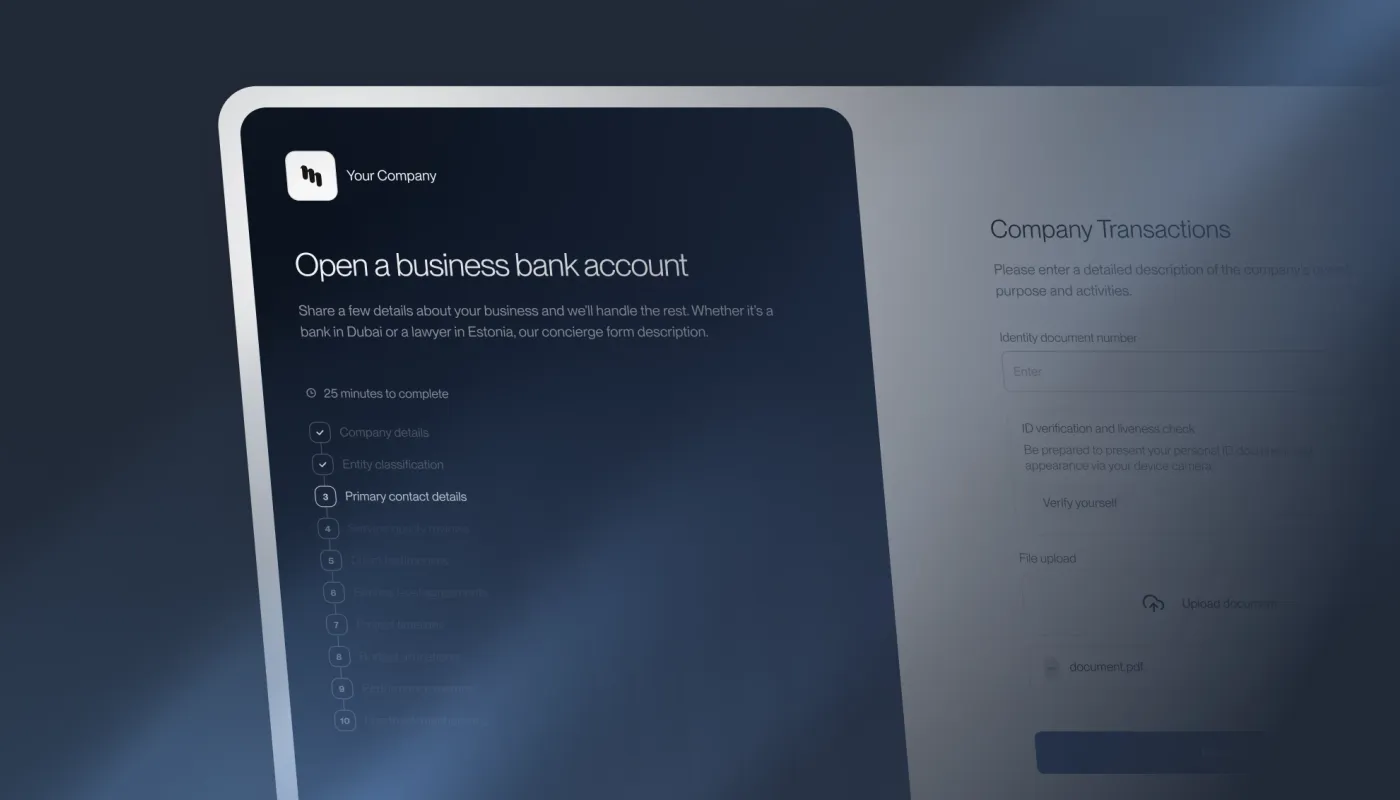
We’ve completely redesigned our information collection feature based on your feedback. What was previously known as Questionnaires is now officially called Forms.
This update transforms Forms into a more professional, flexible, and user-friendly experience that better represents your brand and improves completion rates for your clients.
Key Features & Improvements
Branding & Presentation
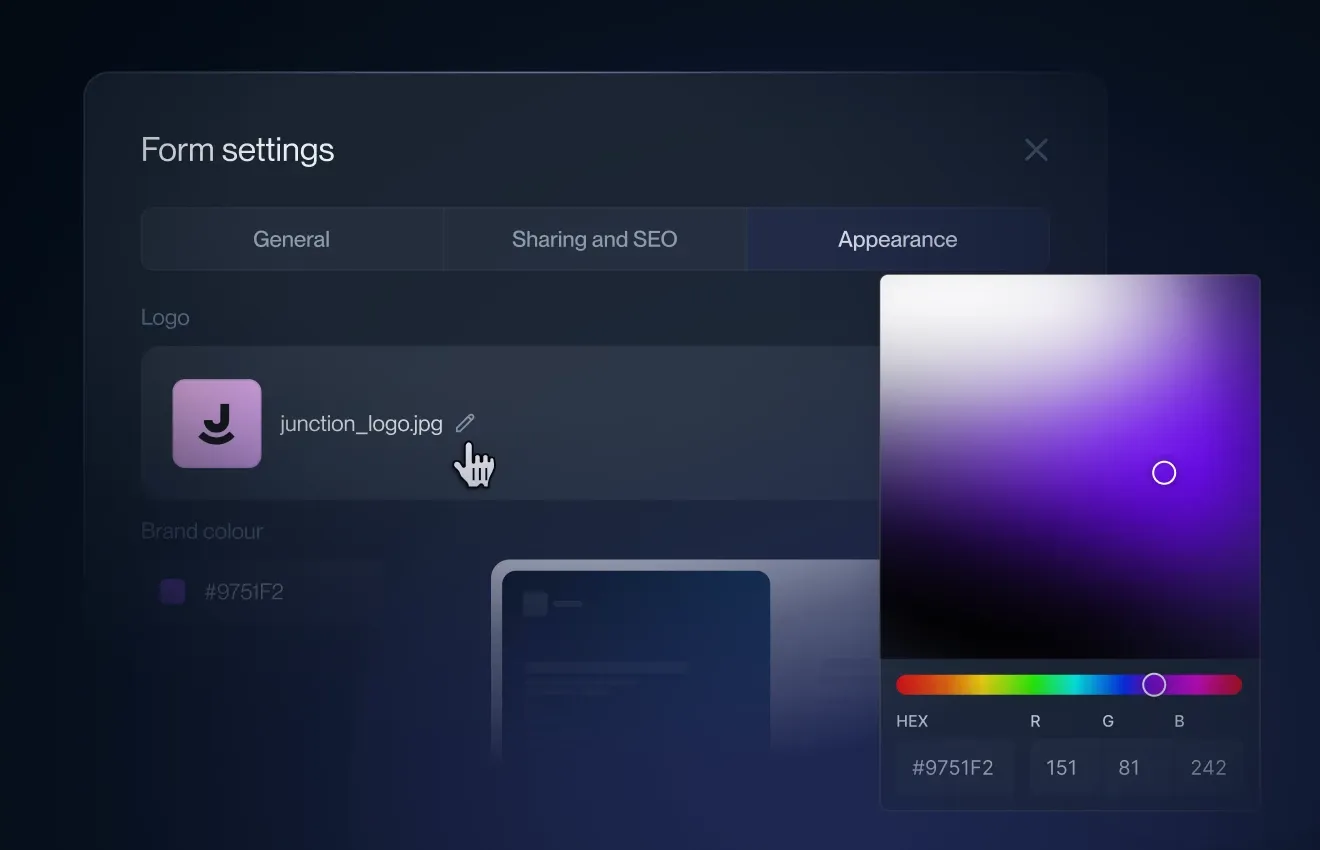
- Full white labeling support: Add your company logo and choose your brand colors.
- Forms now look polished and professional with a modern, clean design.
- Form Settings panel added in the editor – quick color scheme preview, plus sharing and SEO metadata (title, description) for better appearance when shared on WhatsApp, embedded on your website, or found via search engines.
New Step-by-Step Flow
- Long single-page lists have been replaced with a paginated, multi-step experience by default.
- Content is broken into small, easy-to-consume pages with a clear progress bar.
- This change is designed to reduce intimidation and significantly improve completion and conversion rates (a well-studied best practice in onboarding flows).
- Developer’s Note: All existing forms will automatically convert their sections into pages. If you prefer the classic single-page layout, simply avoid using sections and all fields will display cleanly on one page.
Mobile & Accessibility
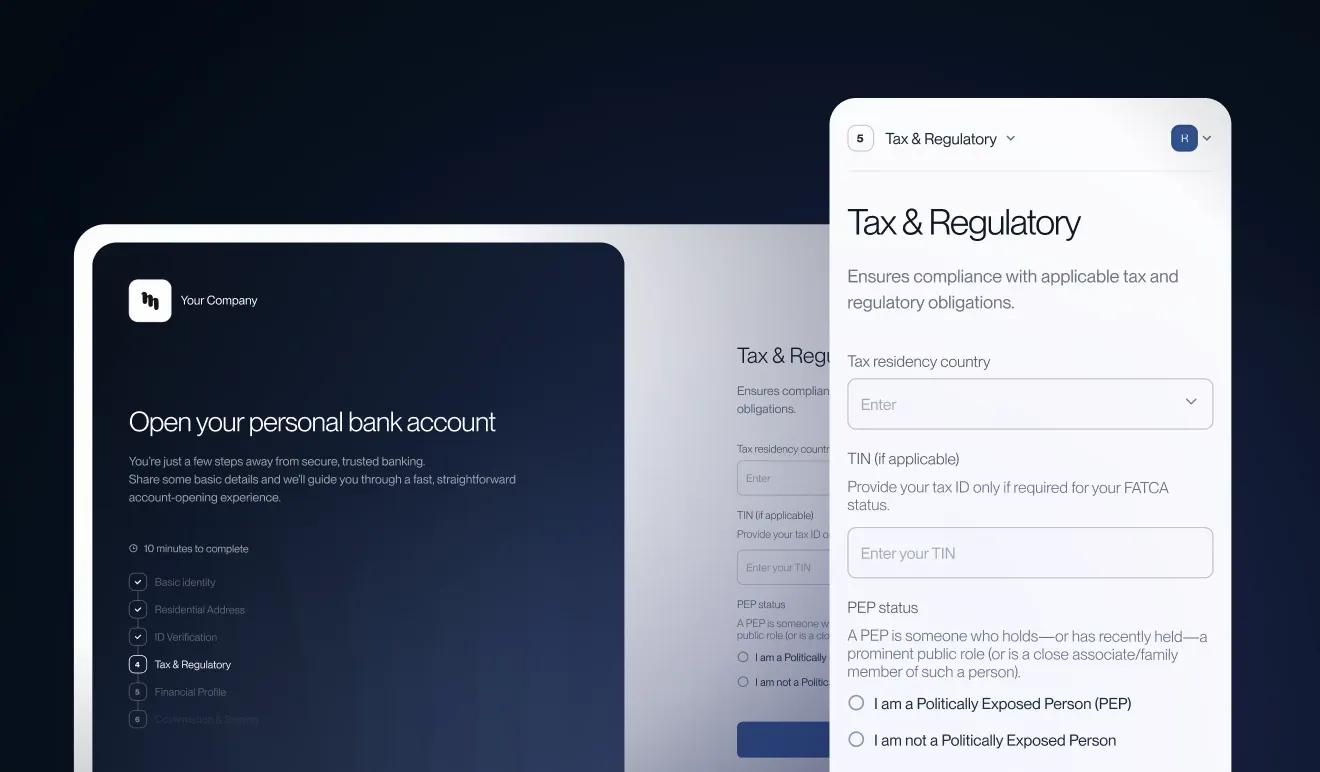
- Forms are now fully mobile-friendly and responsive across all devices.
Signature Integration
- Added the option to put a dedicated signature step at the end of any form.
- You can now require clients to e-sign contracts or agreements directly within the form flow.
Sharing & Collaboration
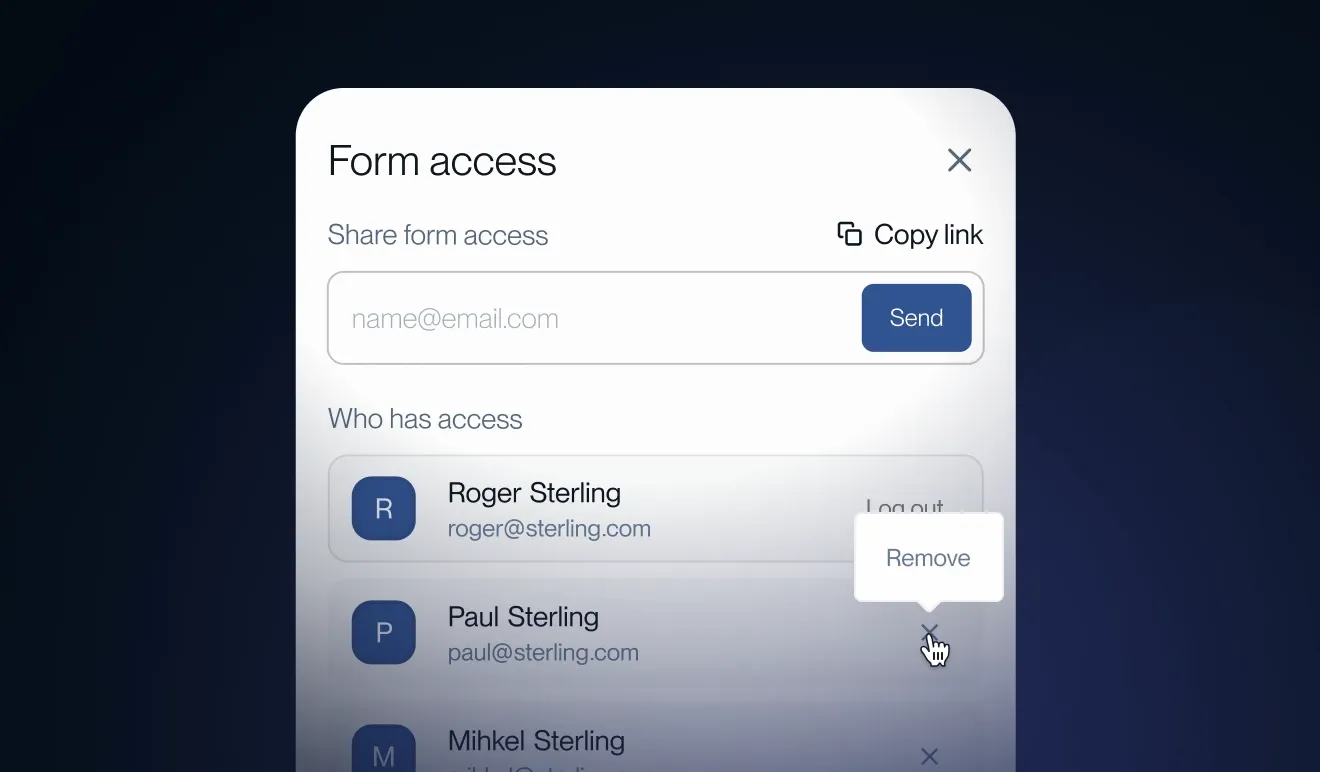
- Two sharing options: Private forms sent via email (still supported with email-based secure access – no extra login required for the recipient).
- Public forms that can be linked on your website. These support google and microsoft login methods and automatically save progress.
- Clients can now invite assistants or coworkers to help fill in the form. The original client remains the owner and can add/remove helpers at any time.
- Progress is saved, so users can pause and resume easily via email link.
Viewing Submitted Data
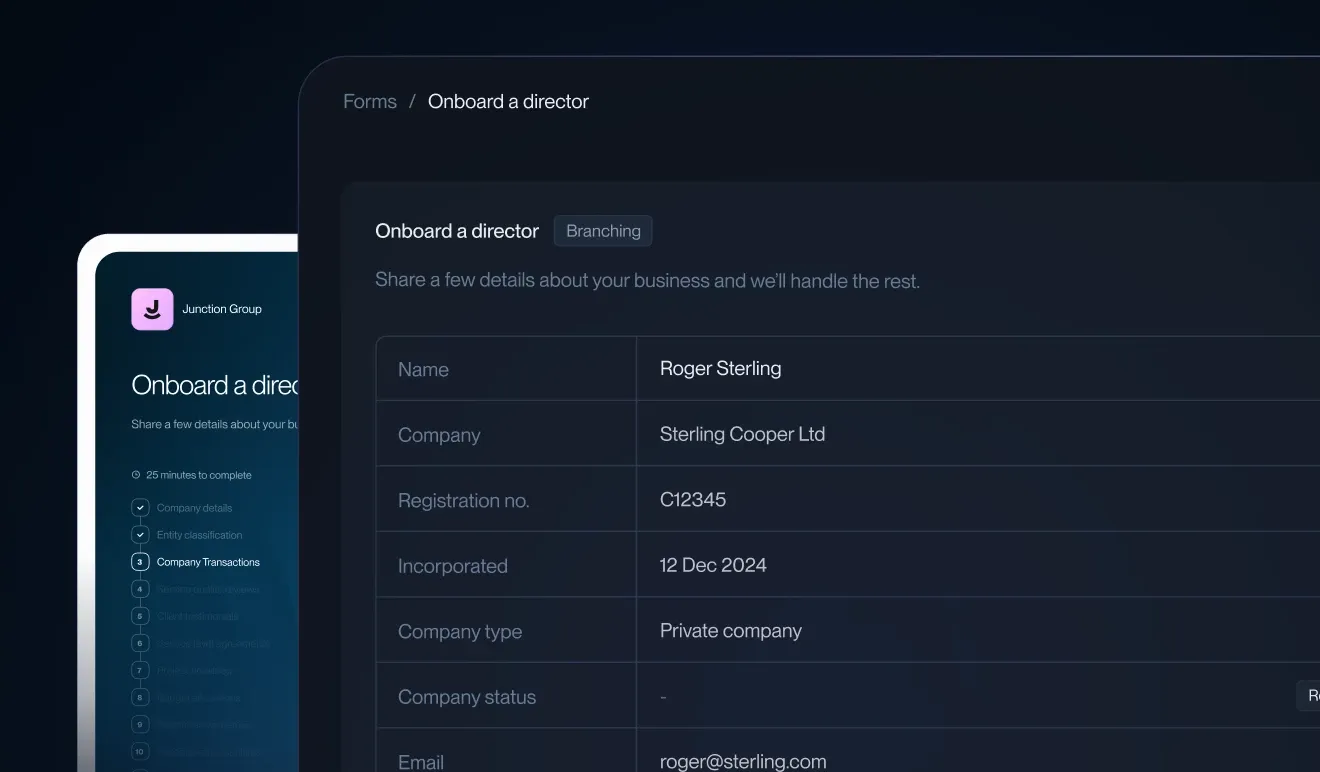
- New table view for submitted forms – see all answers at a glance in a clean, organized spreadsheet-style format.
- You can still click into the original paginated form view to review exactly how the client filled it out.
Form Editor Updates
- The editor remains familiar, but sections are now treated as pages.
- Streamlined sending flow for better clarity when distributing forms to clients.
Rollout & Timeline
- his update begins rolling out in the second half of April 2026.
- We’ve tested extensively internally and will monitor performance closely after launch.
- Developer’s Note: Everything in this update was built directly from your requests and feedback. Our goal is to help your business thrive by making client onboarding smoother, more secure and more professional.
We want to hear from you! Try the new Forms, experiment with white labeling and the step-by-step flow and let us know what you think. Positive feedback, suggestions for improvements or any issues - drop them in our support. Your input shapes what we build next.
Thank you for being part of the Binderr community. We’re excited for you to see (and feel) the difference.
- The Binderr Team