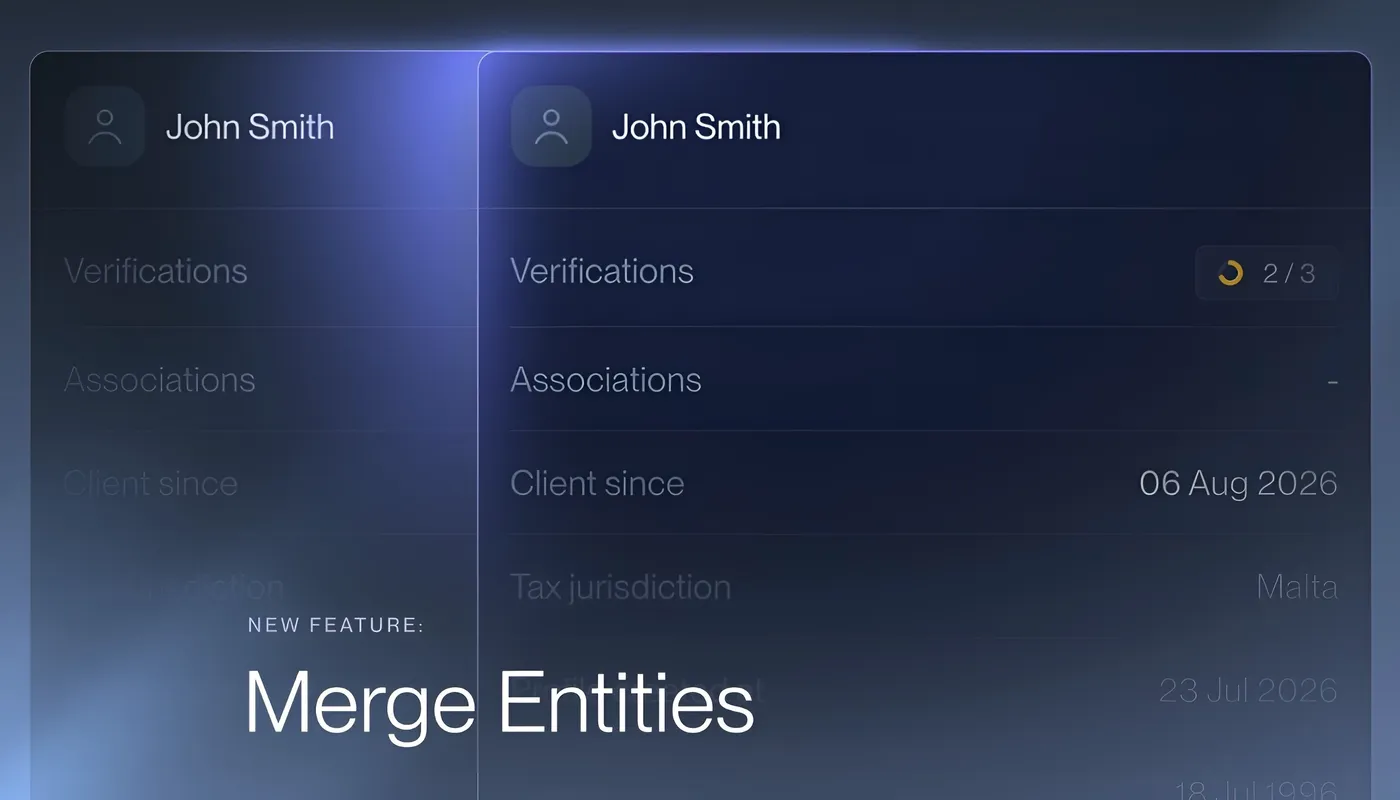
Merging duplicate entities is live in Binderr as of July 2026, so each client, director, shareholder or lead has one profile with one complete history.
Why duplicates happen
Duplicates rarely come from carelessness. They build up through normal work:
- A team member adds a director by hand, then the same person arrives again through a registry import.
- Structure reveal pulls in an involved party who already exists in your workspace.
- Two colleagues onboard the same individual on different structures without knowing it.
In a compliance workspace this is more than clutter. Documents, verifications and risk assessments get split across profiles, and nobody can see the full picture of one person in one place.
Binderr flags possible duplicates for you
When you open an entity profile, Binderr checks your workspace for likely matches on key identifiers such as name and, for companies, registration number. If it finds any, a "Possible duplicates" badge appears in the profile header with the number of matches.
You stay in control of every decision. If a match is not actually the same person or company, dismiss it and the alert stays hidden for 90 days. Dismissals are recorded in the activity log, so a later reviewer can see that the match was checked and rejected on purpose.
Two ways to merge
From an entity profile
Click the "Possible duplicates" badge to open the list of matches. The profile you are viewing is preselected as the primary, and you can switch it to any other candidate. Select the duplicates you want to fold in and click Merge.
From your entity list
Hover over any row on the home list view and a checkbox appears. Select two or more entities of the same kind, then choose Merge from the bulk action bar. This is the fastest way to clean up a batch you already know about, without opening each profile.
See every difference before you commit
Before anything changes, Binderr shows a side-by-side preview of the primary entity and each duplicate. Fields that differ between profiles are highlighted, so you can spot a conflicting date of birth or address at a glance. You can scroll through all profiles together to compare them field by field.
The confirmation step names the primary entity and states clearly what will be kept and what will be replaced. Merges are permanent. There is no undo, so check the preview carefully and make sure the right profile is set as primary before you confirm.
What carries over to the primary entity
Everything that matters for due diligence moves to the primary. Where two profiles disagree on a field, the primary's value wins and the duplicate's value is discarded, and the preview shows this before you confirm.
What | What happens |
Profile fields | Unique data from every profile is combined on the primary. Where values conflict, the primary's value is kept. |
Roles and involvements | Roles are consolidated. A director on one profile and a shareholder on another becomes one entity that is both. |
Documents | All documents transfer to the primary, with duplicate files skipped. |
Identity documents and proof of address | Transferred with their files, so automated verification flows continue after the merge. |
Verification status | If the primary is unverified, it takes the strongest status from the merged profiles. A verified duplicate makes the primary verified. |
Risk assessments | Transferred to the primary. |
Screening hits | Transferred to the primary. |
Every merge is on the record
Each merge creates its own entry in the entity's activity log, showing who merged which profiles and when. Dismissed matches are logged too. When an auditor or a colleague asks why two profiles became one, or why a flagged match was left alone, the answer is already on the profile.
Built-in guardrails
- Individuals merge only with individuals, and legal entities only with legal entities. A mixed selection disables Merge and explains why.
- Every merge needs one primary and at least one duplicate, and the primary must be one of the profiles you selected.
- Only the entities you explicitly select are merged. Nothing is pulled in automatically.
Get started
Open any profile with a "Possible duplicates" badge, or select a few rows in your entity list, and try a merge. Cleaner records mean faster reviews, simpler audits and one reliable view of every client.